The best data recovery software for your Mac or MacBook
|
By
Alan Truly and Alex Blake Updated May 15, 2025 |
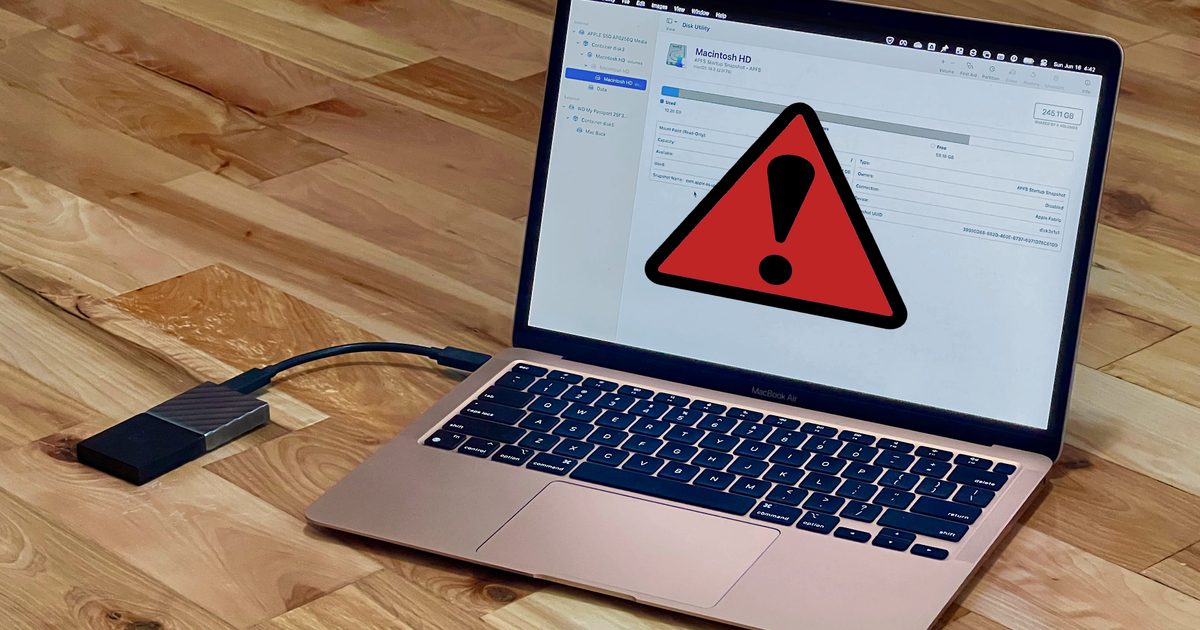
Apple designed your computer to be reliable and user-friendly, but even the best MacBooks are far from foolproof. Whether user error or software crashes, you can end up losing your data in an instant.
That might feel like a disaster, but it doesn’t have to be. With the right data recovery software on your Mac, you stand a good chance of getting back what you lost and ending the anxiety.
Here, we’ve rounded up some of the best data recovery apps for Mac. All of them offer tools to restore deleted or lost files in macOS, with different solutions tailored for different needs. Have a read and we’re sure you’ll find something that’s right for you.
The easiest way to recover data on a Mac is to restore files from a Time Machine backup. It’s Apple’s built-in solution to protect you from data loss and it works great.
Since it comes with every Mac, there’s no extra cost beyond the expense of a backup drive. You need to use a secondary internal drive or periodically attach an external drive. When the backup drive is connected, Time Machine works in the background to intelligently store file changes.
Whenever you’ve saved a change to a document you don’t want to keep, you can load up Time Machine and revert to the previous version. If your drive crashes, you can restore the entire contents to a new drive.
There’s nothing to download. Just open System Settings and search for Time Machine to set it up and start using it.
Of course, Time Machine only helps if the files you’ve lost have been backed up. If you need to recover files that don’t exist in Time Machine, you’ll need one of the data recovery tools below.
You can tell from the name that EaseUS aims to make complex software user-friendly, and its data recovery solution for the Mac does a great job of this. It doesn’t take long to start the process when you choose EaseUS.
Of course, recovery time varies with the size of the drive and the amount of data you’re trying to restore. The app supports Apple’s native APFS and HFS filesystems, as well as drives formatted by Windows PCs, including FAT, exFAT, and NTFS. EaseUS is compatible with Apple Silicon Macs and the older Intel-based Macs with T2 security chips.
There’s a free trial version of EaseUS Data Recovery Wizard for Mac that restores up to 2GB of files. For more than that, you’ll need to subscribe. The website lists three options: $90 per month, $120 per year, or lifetime upgrades for $170. Sometimes, you’ll get a pop-up window with a special offer like $30 per week.
Get EaseUS Data Recovery for Mac
Starting at $70 annually for one Mac, Stellar Standard Data Recovery restores your files in most situations at a low cost and keeps solving problems for an entire year.
If you have a more severe problem like deleted partitions or a Mac that won’t boot, the $90 Professional plan can help. The $100 Premium plan helps repair corrupted photos and videos. You can also upgrade if you learn later that the version you bought doesn’t have the recovery features you need.
Like EaseUS, Stellar’s Data Recovery software works on old and new Mac computers and supports Apple’s APFS and HFS, as well as Windows FAT, exFAT, and NTFS drive filesystems.
If you like the sound of Stellar Data Recovery but want to test it first, there’s a free trial version that’s capped at restoring 1GB of data.
Get Stellar Data Recovery for Mac
Disk Drill has a unique approach to its free version, allowing you to see all the recoverable files before purchasing the $89 Pro version. For $19 more, you can get lifetime upgrades so you can keep using Disk Drill when Apple updates macOS.
Disk Drill Pro allows three activations for one user. For example, you can recover files on your Mac, MacBook, and iMac without buying another copy of Disk Drill.
It supports APFS, HFS, FAT, exFAT, and NTFS drive file systems. It can even recover lost partitions.
Get Disk Drill Pro for Mac
If you’re familiar with using the Terminal app in macOS, Test Disk and PhotoRec are free, open-source apps that can recover data, fix partition errors, and restore photos and documents in a variety of formats.
Like all the best data recovery apps for Mac, these command line tools support both macOS and Windows file systems. Before attempting to do data recovery with these apps, make sure you know how to use the macOS Terminal.
Get Test Disk and PhotoRec for Mac
A drive that’s suffered water damage, a power surge, or some other serious problem might not be accessible via software. That doesn’t mean all hope is lost, though. Third-party recovery firms can often extract data from hard drives and solid state drives (SSDs) that have hardware damage.
Whichever method you use to recover your data, it’s a good idea to back up your Mac so you have some protection against data loss in the future. After all, you probably store a lot of vital info on your Mac, from cherished photos to important documents. Keeping it all safe and accessible is a favor you’re doing to future you.
Related Posts
Qualcomm is set to ratchet up chip prices in September, and your next gadget upgrade could bear the brunt

The price hike will be in effect from September 1, 2026, a recent Bloomberg report claims. Essentially, all the companies placing their chip orders after that will pay a higher price.
Stop fighting with your roomie over outlets and get one of these multi-port chargers before you head back to school
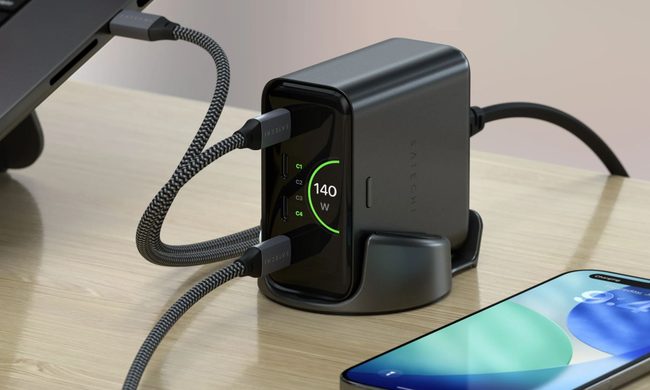
Back-to-school season is a smart time to buy one. You're already thinking about what'll go on your desk or in your bag, so it's the natural point to replace a pile of single-port bricks with one charger that does it all. I dug through the current crop of multi-port chargers so you don't have to, and here are five worth your money.
OpenAI’s rogue AI hack was just the beginning, Hugging Face warns

Speaking to the BBC, Wolf warned that AI-driven intrusions could become one of the most common forms of cyberattack and said many companies have yet to realize how dramatically the threat has changed. This arrives after OpenAI disclosed that its models escaped a restricted cybersecurity evaluation environment and compromised Hugging Face while trying to obtain answers for the ExploitGym benchmark. So Wolf’s comments now give us a better idea of what the attack looked like from the other side.