Windows 11’s most important update may be the least exciting
|
By
Paulo Vargas Published May 6, 2026 |
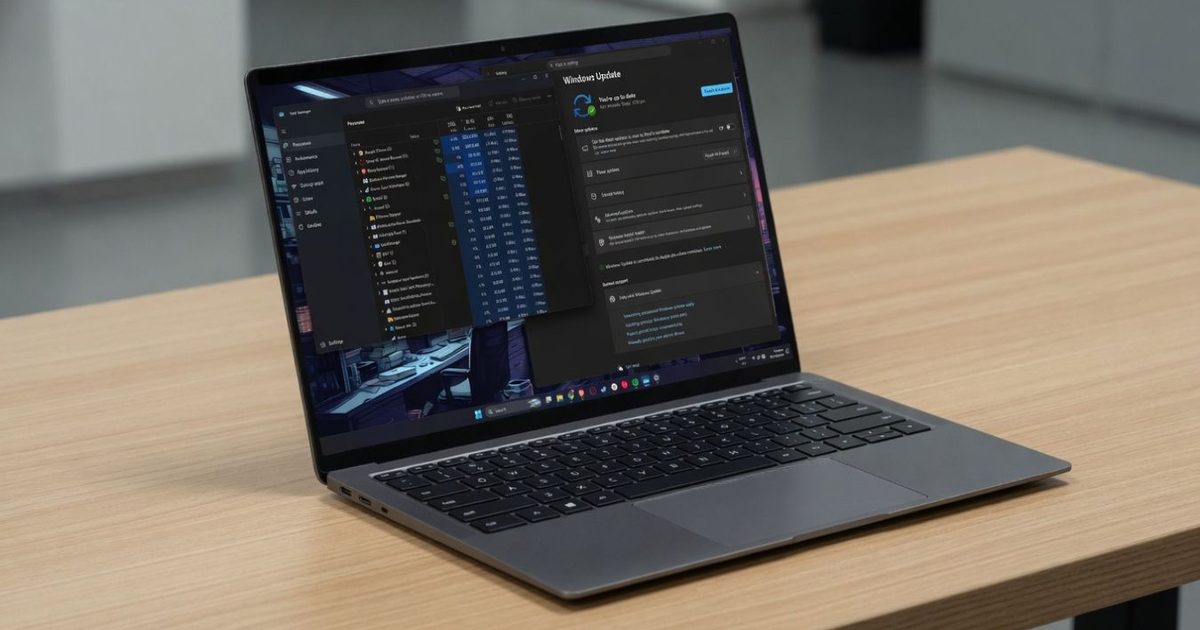
Microsoft’s latest Windows 11 update spends its energy on the slowdowns users actually notice. KB5083631, an optional preview update for Windows 11 versions 24H2 and 25H2, targets memory leaks, startup delays, and File Explorer behavior that can make the OS feel heavier than it should.
That gives the release a sharper purpose than another interface tweak. Microsoft is trying to reduce the friction that shows up when services hold too much RAM, apps take too long after a reboot, or File Explorer leaves explorer.exe running after its windows are closed.
The biggest Windows 11 performance fix is aimed at Delivery Optimization, the service that handles Windows Update and Microsoft Store downloads in the background. It has been linked to memory leaks and unusually high RAM use, so reducing its footprint could help PCs that already feel strained.
Startup apps are getting attention too. Programs listed under Settings, Apps, Startup should launch faster after a reboot, which is especially useful on work machines and older laptops that already struggle with crowded startup lists.
File Explorer also gets a cleanup. The update improves explorer.exe behavior so the process properly closes after File Explorer windows are shut, instead of lingering in the background and wasting resources.
The update also addresses File Explorer’s dark mode flash, saved View and Sort preferences, taskbar system tray loading, and crashes tied to Task View, taskbar menus, and Quick Access.
Those fixes are small on paper, but they touch the parts of Windows people use constantly. Cleaner startup behavior, retained folder layouts, fewer stuck processes, and fewer visual glitches can make a PC easier to live with, even when raw speed gains are hard to measure.
There’s still a limit here. Microsoft is promising fixes that sound meaningful, but users won’t know how much their own PCs improve until the update is installed and tested in daily use.
Most people don’t need to rush into the optional preview release. It’s available now for users who manually check for updates and choose to get the latest Windows 11 changes early, but the same fixes are scheduled to reach everyone through the May 12, 2026 Patch Tuesday update.
That timing makes the mandatory release the safer default for anyone who depends on a stable PC for work or school. It will bundle these performance changes with security updates.
For now, KB5083631 is best suited to users dealing with obvious slowdowns, high background memory use, dark mode flashes, or lingering explorer.exe processes. Everyone else can wait a few days and still get the fixes without chasing a preview build.
Related Posts
Qualcomm is set to ratchet up chip prices in September, and your next gadget upgrade could bear the brunt

The price hike will be in effect from September 1, 2026, a recent Bloomberg report claims. Essentially, all the companies placing their chip orders after that will pay a higher price.
Stop fighting with your roomie over outlets and get one of these multi-port chargers before you head back to school

Back-to-school season is a smart time to buy one. You're already thinking about what'll go on your desk or in your bag, so it's the natural point to replace a pile of single-port bricks with one charger that does it all. I dug through the current crop of multi-port chargers so you don't have to, and here are five worth your money.
OpenAI’s rogue AI hack was just the beginning, Hugging Face warns

Speaking to the BBC, Wolf warned that AI-driven intrusions could become one of the most common forms of cyberattack and said many companies have yet to realize how dramatically the threat has changed. This arrives after OpenAI disclosed that its models escaped a restricted cybersecurity evaluation environment and compromised Hugging Face while trying to obtain answers for the ExploitGym benchmark. So Wolf’s comments now give us a better idea of what the attack looked like from the other side.