Virtual Game Cards: what they are and how they work
|
By
Jesse Lennox Published March 27, 2025 |

Sharing games has been a major topic ever since digital games have become more and more prevalent. We haven’t reached the point where you can’t get the best Switch games physically anymore, but it is more convenient to simply download a title than make the trip to purchase one. That raised the question of how sharing games would work in a digital library. Game sharing on Xbox and game sharing on PlayStation both work in a similar way, and Nintendo already has a solution as well, but Virtual Game Cards are a new way to share games with more people more easily. It is a little complex to understand and get going, so we’ll break it all down so you can be ready to share the next upcoming Switch game.
In short, Virtual Game Cards are a way to share games from your digital library with anyone. They are meant to act exactly like a physical game card, meaning you can “give” it to another person to play for a duration of time before it returns back to you. Once the feature launches, any digital game you buy will also come with a Virtual Game Card. This is another way you can manage your digital library on you Switch, but also share them.
After you purchase a digital game and get the Virtual Game Card, it will be added to a new section on your home screen. Each profile will have its own Virtual Game Card library to load and unload on that console and share with another. This can be done freely if you own two Switch consoles sharing the same account, or manage your cards on the Nintendo Website.
Of course, there are limitations on how sharing Virtual Game Cards works.
First is that you are required to be on the same local Wi-Fi network to pass Virtual Game Cards back and forth. This means you can’t share a game with a friend across town or across the country.
The second big restriction is that the person who receives the Virtual Game Card can only play that game for up to 14 days before it is automatically returned to the owner. That person can play anywhere they like after the card is transferred, even offline. You can only lend out one game at a time as well to each person until they return it. Once a game is returned to its original owner, the person who borrowed the game will not lose any save data they created on that game, allowing them to pick up where they left off if you lend them the game again or they purchase it for themselves.
If you’re ready to lend out a game to a Family Group member, connect to the same wireless network, select the game from your Virtual Game Card menu, select Lend to Family Member, and choose the account you’re lending to, and the transfer will begin. After 14 days the game will automatically return to the owner.
Related Posts
The hottest indie game on Steam just had a malware scare
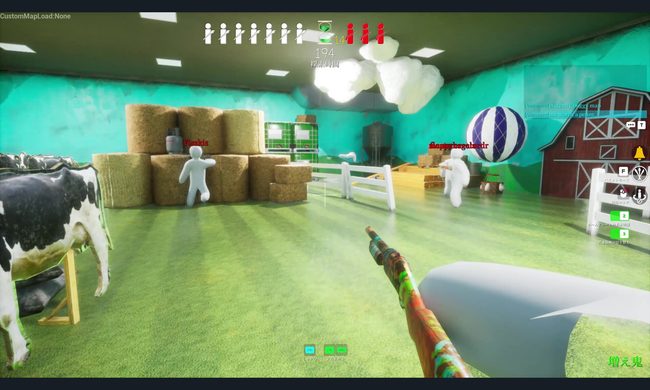
How did a custom map become malware?
You can play Xbox games for free if you don’t mind watching ads
However, you'll have to watch a short advertisement before your session begins. Microsoft says the ads will never interrupt gameplay, making this an early test of whether a simple tradeoff can bring cloud gaming to more players.
Lenovo’s latest LOQ is more comfortable running newer AAA games
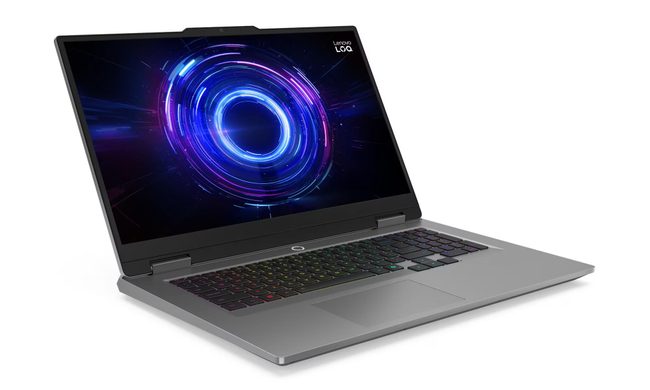
The new variant joins Lenovo's existing LOQ 17IRX10 lineup, which was previously available with GeForce RTX 5050, RTX 5060, and RTX 5070 8GB graphics options. While the chassis remains unchanged, the addition of a 12GB RTX 5070 brings more VRAM to the series, a specification that has become increasingly important as modern AAA games demand larger texture caches and higher memory capacity.