
It can be annoying to purchase a huge, state-of-the-art 4K television with high dynamic range (HDR) support, only to realize the manufacturer did not leave enough room for adequate speakers. Luckily, there are myriad solutions, from Samsung’s multi-piece Atmos bar, to mid-level budget bars like Yamaha’s excellent YAS-207, to bars that barely dent your bank account. As the name implies, Amazon’s AmazonBasics product lines are intended for those who want quality workmanship without spending their whole paycheck.
At less than $100, the AmazonBasics 2.1 Channel Bluetooth Soundbar is an excellent example of this philosophy. It’s got a built-in subwoofer and a two-piece passive radiator to help drive full, wall-to-wall sound, a remote control for easy operation, and a few different modes to tailor your listening experience. Here, we will run you through the basics (no pun intended) in our AmazonBasics Soundbar setup and unboxing guide.
What’s in the box?
In addition to the soundbar itself, you will find the following in the box:
If you want to mount your soundbar, you also need to purchase some drywall anchors and compatible screws.
Hardware setup
First things first: Connect the A/C adapter and plug the other end into a wall outlet. Now that you have more power than one should ever have, remove the little plastic caps on both ends of the optical cable, and connect it from your television to your soundbar (assuming you bought the soundbar for use with your TV, that is).
Features and design
The soundbar has onboard control buttons (for when you inevitably lose the remote in the endless void of the couch) for power, volume, input selection (with some helpful LED indicators), Bluetooth pairing, and DSP selection, where you can choose between Standard, News, and Movie settings — kind of like an audio equalizer. These are located on top of the soundbar, near the right edge.
The remote has the same controls, laid out simply, plus a mute button in the upper right corner.
All the jacks and ports are on the soundbar’s back panel, in the center. To the left of these, you can see the ovular subwoofer, housed behind a screw-locked grate.
Software setup
Technically, soundbars don’t have software (not that you can see, anyway). Most modern TVs do, though, and they won’t all automatically route audio through your soundbar — even after connecting the optical cable. Head to your TV’s sound settings, and choose “sound out” or “output.” Make sure “optical” is selected and, if applicable, you might need to switch the “Digital Sound Out” setting to “PCM.”
Update: Added more soundbar options
Related Posts
I desperately want a new classic Walkman, but Sony probably can’t give me one

All of this makes it the perfect time for Sony to bring back the classic Walkman, which was a phenomenon during the 80s and 90s. I would love one. Give me a compact cassette player, physical buttons, and wired headphones. Keep the apps, notifications, and algorithms that shape your taste of music. No more AI assistants or personalzied feeds, just you and your Walkman. There is only one problem though. Recreating the Walkman that people love and remember, would be far harder than putting an old design back into production.
Proton reveals how smart TVs track you and the escape situation is pretty grim
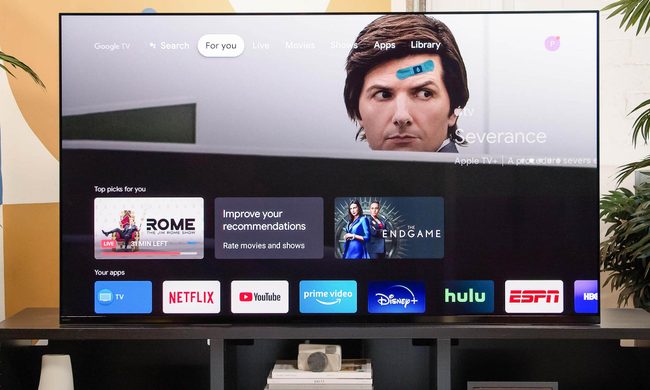
The worrying part is that escaping this tracking is becoming increasingly difficult because many privacy controls are buried deep in settings or enabled by default. Proton argues that buying a smart TV today often means accepting a level of surveillance that most people never knowingly signed up for.
LG is cracking down on smart TV apps that quietly turn your TV into a secret proxy
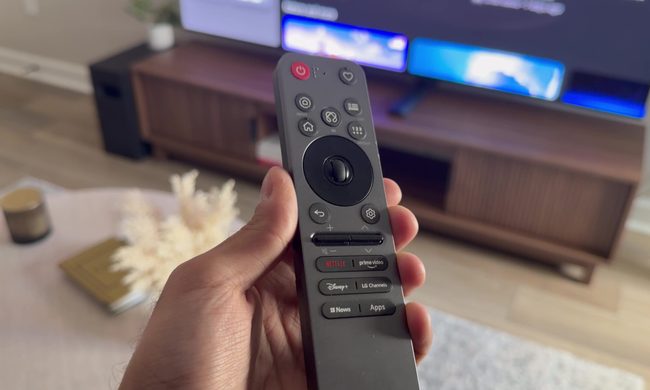
The move follows a report from security firm Spur, which found that more than 42 percent of apps on LG's webOS store include SDKs that quietly reroute internet traffic through your TV, indefinitely. Samsung isn't spared either, with over a quarter of Tizen apps carrying similar code.