
When it comes to “smart TVs,” you’ll often find that folks fall into two distinct camps. There are those who say: “Connect me to all the things!” And there are those who just want a display to which they can connect other devices, like any of our picks for the best streaming devices.
Neither is necessarily the correct route. It’s a matter of preference, and what you’re comfortable with. Some folks want to limit the devices on their home networks for privacy reasons. Other folks just don’t worry about it all that much. For the former group, there’s been a bit of a resurgence in the desire for a “dumb TV.” That is, a television that allows you to connect peripherals — like an Apple TV box, or sticks from Roku or Amazon Fire TV. Or maybe an over-the-air antenna. But that’s it. There’s no built-in operating systems to manage. And no worrying about what sort of data it might be phoning home.
That’s nearly impossible to do in 2023. You’ll be hard-pressed to find a television that doesn’t have a built-in operating system from Roku, Google, Amazon — or even from the manufacturers themselves. LG and Samsung are the big players in that space, of course.
But in setting up a new TCL TV, I ran across something that honestly was a bit of a surprise. The TCL Q6 uses Google TV for its operating system. And early in the setup process, you get the option to go for the full smash — sign in with your Google account and get everything the smart TV platform has to offer. Or you can opt for “basic TV.”
It’s interesting to see how the options are presented, too. The full Google TV option is shown with logos and apps and channels. It’s colorful and fairly pleasing to the eye. Why wouldn’t you want that, right? The basic TV option, on the other hand, kills all the logos and leaves you with just a monochrome bit of text, highlighting what you do get: live TV and external devices via HDMI.
After that, you’ll still be presented with the option to enable a network connection (via Wi-Fi or Ethernet). And you’ll still have some terms and conditions to agree to, or not. (Some are optional. Some aren’t.) And you can opt out of some Google tracking.
And after all that, you’re still not actually presented with a dumb TV interface. TCL has its own live guide built into the OS (in addition to Google’s own live guide, if you choose to log in at the start and use that full interface) that’s available even in basic mode. It combines a number of FAST channels (that’s free, ad-supported television) with an antenna, if you so choose.
So it’s not truly “dumb.” At least not until you disconnect your network connection, which you can do in the settings. It’s not hard or anything — it just take a few clicks with the remote control. It’s not really what folks want, which is an oversized computer monitor on their wall, without the oversized price that typically comes with that sort of thing.
But what you get with a relatively current TCL TV — that option to use the full Google TV system, or not — probably is as close as we’re going to get anytime soon.
Related Posts
Stop joining group projects with a blurry laptop webcam and buy one of these instead
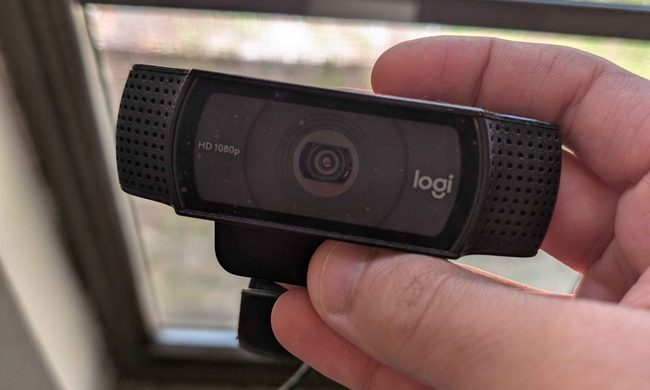
Laptop cameras also tend to sit far too low, especially when the computer is placed directly on a desk. Meanwhile, a dedicated webcam lets you position the camera closer to eye level. This improves the framing and brings larger sensors, better microphones, and more effective low-light processing.
I desperately want a new classic Walkman, but Sony probably can’t give me one
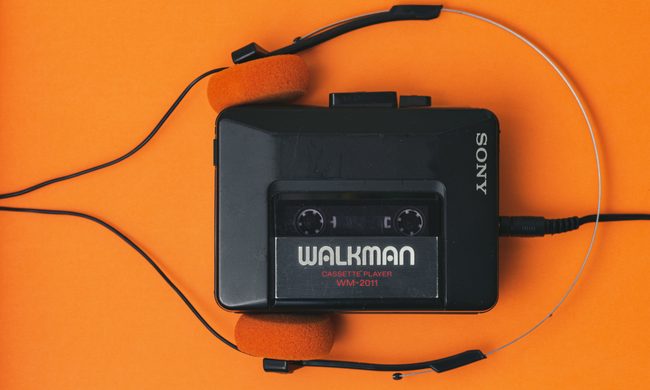
All of this makes it the perfect time for Sony to bring back the classic Walkman, which was a phenomenon during the 80s and 90s. I would love one. Give me a compact cassette player, physical buttons, and wired headphones. Keep the apps, notifications, and algorithms that shape your taste of music. No more AI assistants or personalzied feeds, just you and your Walkman. There is only one problem though. Recreating the Walkman that people love and remember, would be far harder than putting an old design back into production.
Proton reveals how smart TVs track you and the escape situation is pretty grim
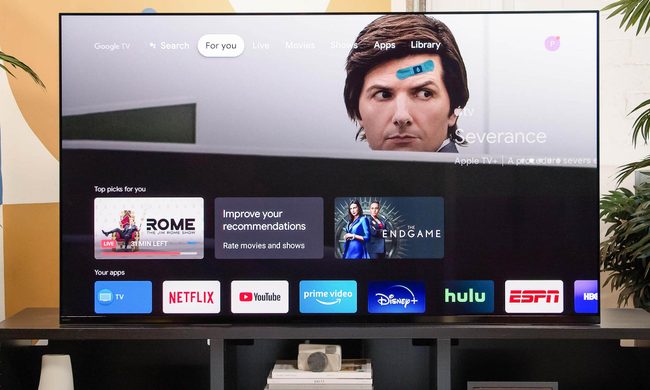
The worrying part is that escaping this tracking is becoming increasingly difficult because many privacy controls are buried deep in settings or enabled by default. Proton argues that buying a smart TV today often means accepting a level of surveillance that most people never knowingly signed up for.