
Let’s face it: No one likes paying for cable. These days, the cost of even the most basic provider plans is enough to stir any stomach. But is there really any alternative? Technically, yes. If you’ve got a Roku streaming device, or if you’re considering picking one up, the popular gadget offers several backdoor portals to some of the greatest local-area content, including news, weather, sports, and more. Read on to discover how to unlock your favorite local streams.
The Roku Channel Store offers a number of free news congregator channels. Think of these as gateways to a multitude of local news, weather, and sports outlets. While there’s no guarantee you’ll find the exact local affiliates you’re looking for, there’s a good chance you’ll find something close enough to your zip code to satisfy your viewing needs. We’ve broken down several of the best congregators below:
Paying for a bunch of stations you’ll never watch is a huge waste of money. Nowadays, though, thanks to streaming hardware like the Roku Streaming Stick+, you can pick and choose the TV services you’d like to subscribe to. While you’ll still pay a monthly fee for the following services, it beats the cost of a full bundle of stations you simply won’t use. Below, we’ve broken down some of the best paid stand-alone Roku channels below:
The four major TV networks — ABC, FOX, CBS, and NBC — are each partnered with several regionally based affiliate stations to provide local coverage. Many of these regional stations offer their own streaming apps on the Roku Channel Store. Based on the channel you’ve selected, you’ll get anything from news recaps to video clips and even livestreams. As these are channels designed by the affiliate stations themselves, not every station will be the same in terms of both the user interface and the available content. Popular options include ABC 7 Chicago, NBC 4 New York, FOX 13 Memphis, and WKYT News Kentucky.
You can also scroll through Roku’s lineup of affiliates by navigating to the News and Weather section of the Roku Channel Store.
If you’re looking for a more traditional local network experience, you can always pair an over-the-air antenna with your Roku device. Where antennas were once roof-mounted nightmares, many of today’s OTA antennas are about as big as a dinner plate and require little effort to set up, even if you don’t know how to install an antenna. Connect the coaxial cable to your TV’s coaxial input, run a channel search, and you’re good to go. Do keep in mind that, when it comes to antennas, you’re at the mercy of Mother Nature. Windy and rainy days may cause choppy images on your TV.
Also, unless you’re up for running an intricate in-home splitter system, you’ll need to buy an OTA antenna for each TV you want to get local stations on.
Related Posts
Stop joining group projects with a blurry laptop webcam and buy one of these instead
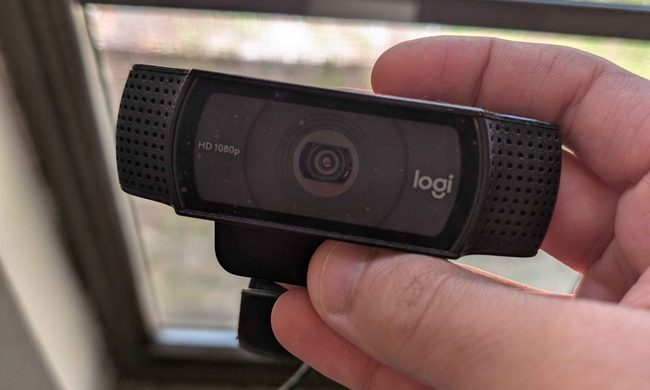
Laptop cameras also tend to sit far too low, especially when the computer is placed directly on a desk. Meanwhile, a dedicated webcam lets you position the camera closer to eye level. This improves the framing and brings larger sensors, better microphones, and more effective low-light processing.
I desperately want a new classic Walkman, but Sony probably can’t give me one

All of this makes it the perfect time for Sony to bring back the classic Walkman, which was a phenomenon during the 80s and 90s. I would love one. Give me a compact cassette player, physical buttons, and wired headphones. Keep the apps, notifications, and algorithms that shape your taste of music. No more AI assistants or personalzied feeds, just you and your Walkman. There is only one problem though. Recreating the Walkman that people love and remember, would be far harder than putting an old design back into production.
Proton reveals how smart TVs track you and the escape situation is pretty grim
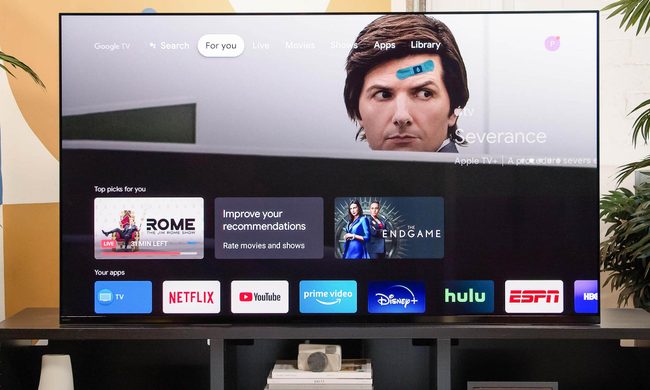
The worrying part is that escaping this tracking is becoming increasingly difficult because many privacy controls are buried deep in settings or enabled by default. Proton argues that buying a smart TV today often means accepting a level of surveillance that most people never knowingly signed up for.