
Google is inching closer to making passwords obsolete. The solution is called “Passkeys,” a unique form of password that is stored locally on your phone or PC, just the way a physical security key works. The passkeys are protected behind a layer of authentication, which can be your fingerprint or face scan — or just an on-screen pattern or PIN.
Passkeys are faster, linked across platforms, and save you the hassle of remembering passwords for websites or services that you have subscribed to. There is a smaller scope for human error, and the risks of 2-factor authentication code interception are also reduced.
Developed in collaboration with Microsoft and Apple, Google is now taking the next steps to take passkeys mainstream by making them the default log-in option. You won’t be forced to ditch your usual log-in methods, but if you haven’t already enabled passkeys, you will be nudged the next time your Google account is used for a sign-in request.
Passkeys employ what you would call a digital handshake, which involves creating a pair of passwords using cryptographic methods. One is stored with the app or web service, while the other one remains with the user, protected by an on-device password or biometric authentication. There is no two-factor code involved, and all you need to do is tap on a prompt on your device to allow the identity verification.
Trevor Hilligoss, who has previously worked as a security expert with the FBI and currently handles security research at SpyCloud, tells Digital Trends that passkeys are “strong by nature, and it’s why many security teams prefer this mode of defense.” The biggest advantage here is that they are not dumped like your average alphanumeric password in data breaches. That’s a problem for multiple reasons because an alarmingly high number of digital citizens reuse the same password, or a predictably modified form of it, across different services.
Passkeys are faster (up to 40%, according to Google), safer, and more convenient. But Hilligoss warns that they’re not exactly a silver bullet of digital safety. “Cybercriminals are rapidly adapting to this technology by shifting their focus from stealing account credentials to account recovery methods, developing tactics to steal passkeys and launching attacks such as session hijacking.”
Hilligoss points to a technique called session hijacking — also known as cookie hijacking – where a hacker tries to take control of your online browsing session to steal sensitive data. Essentially, the bad actors fool a website into thinking that it’s a legitimate user. When a person visits a website, a session ID is created that often remains active for days.
This session data is stored in the form of numbers and letters in temporary session cookies, and it remains in the browser until the user is logged out. Hackers can steal session IDs by injecting scripts into web pages, intercepting the network traffic, deceptively installing malware on the victim’s device, or simply using pattern prediction.
“Once the attacker has hijacked a web session, they can do anything the original user can, including purchasing items, stealing confidential personal information, or accessing bank accounts,” Hilligoss adds. In such attacks, it doesn’t matter if the sign-in was allowed using a traditional password or passkeys.
Passkeys are tied to Google Password Manager, while Apple brings the iCloud Keychain into the picture, which means passkeys are also synced across devices. By default, Google also automatically creates a passkey for freshly activated Android devices. However, as we leave behind passwords, hackers are also moving ahead with more sophisticated techniques.
Passkeys also won’t block other forms of cyberattacks, like malware deployment in varied forms, a scammer impersonating a bank official on a phone call (hello, generative AI hell), social engineering attacks, and more. Passkeys only solve one side of the security flaw, but they’re from being a cure-all trick.
Digital literacy is still going to be of paramount importance in the years ahead as third-party services slowly embrace passkey. Hilligoss suggests one should prefer app-based 2-factor authentication, keep changing passwords at regular intervals, double-check the URLs and links they receive, and stay vigilant about phone calls from unknown numbers.
“Proper cyber hygiene and exercising visibility into your online accounts will go a long way in staying ahead of cybercriminals,” he concludes.
Related Posts
The dream of uber cheap phones for kids and grandparents is effectively dead, thanks to AI
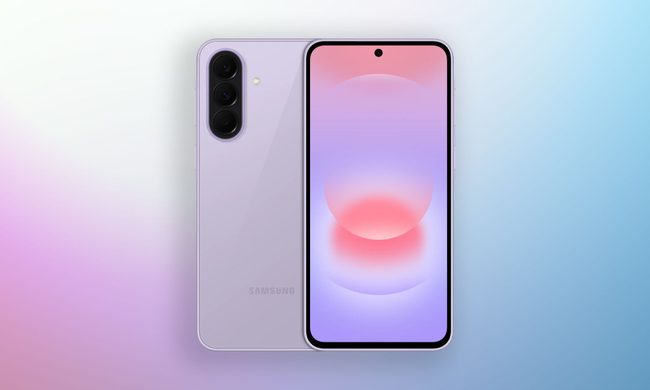
So how bad are we actually talking?
Apple’s new Upgrade program launches on Tuesday with major changes
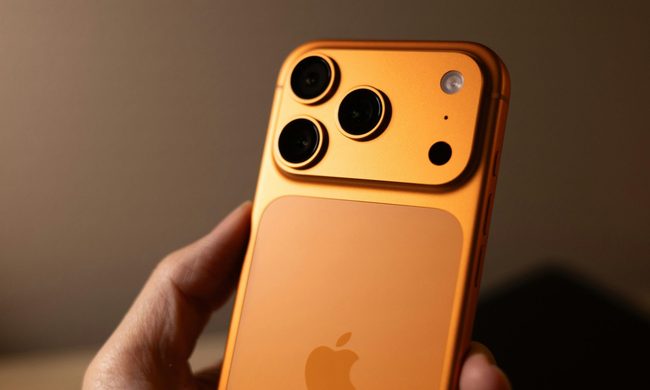
Backed by Klarna, the program is designed to lower the upfront cost of Apple's premium devices, but it is also raising questions about whether you'll actually own what you're paying for.
Setting up your dorm desk? These are the phone stands I’d actually spend my money on
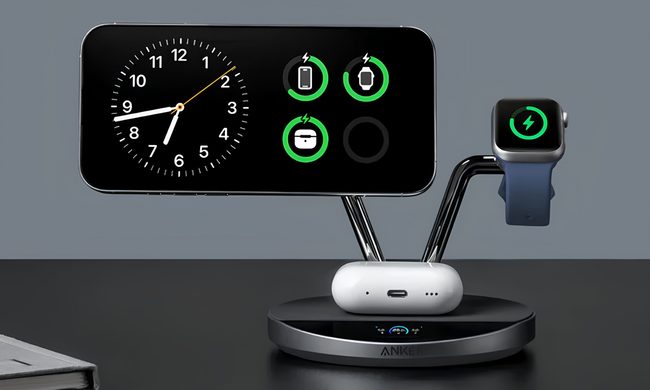
This is one of those product categories where you don’t need to spend big, unless a MagSafe dock or a multi-device charging stand is genuinely useful for your desk or dorm setup. That is why this list begins with the most affordable options and works its way up to the more expensive ones. From a two-pack that costs about as much as a coffee to a three-in-one Apple charging station, I picked eight of Amazon's best-reviewed phone stands worth considering this back-to-school season.