
Updated on 04-08-2014 by AJ Dellinger: We’ve added four more common iPhone 5S problems to our original list, along with potential solutions or workarounds for each one.
What do you do if you have an iPhone 5S problem and you want it fixed right now? You don’t want to go to an Apple Store unless you really have to, the support forums are difficult to search, and your go-to family or friend tech geek is otherwise engaged. Fear not. We’re here to help, and hopefully we can get your smartphone back to its best, or at least point you in the right direction.
Related: Common iOS 7 problems, iPhone 5S tricks, best iPhone apps, iPhone 5S review.
Some people have run into a dreaded blue screen of death bug which seems to be related to specific apps. If you are using Pages, Keynote, or Numbers and you are in a document editing, then pressing the Home button can cause the iPhone 5S to crash to a blue screen, which is generally followed by a reboot. Some people are reporting this issue with other apps as well, and in severe cases it is causing a reboot loop. There’s a theory that the iPhone 5S is afflicted because it has a 64-bit processor trying to run 32-bit software (it’s the first 64-bit phone). Developers are already updating apps to work with the new processor more fluidly and Apple will likely release an update to fix it at some point, but in the meantime there’s no solution, only workarounds that have worked for some people.
(Editor’s Note by Jeffrey Van Camp: Our iPhone 5S here at DT has rebooted randomly a few times since we got it in September, but we have not experienced a blue screen of death. Apps do crash more frequently, but these are usually apps that haven’t been updated to iOS 7.)
A lot of people are reporting that the sensors in the iPhone 5S are wildly inaccurate. We mentioned in our iOS 7 tips that you can access a spirit level (Apple calls it an inclinometer) by swiping left in the Compass app, but it turns out that it’s not working correctly. In fact, the compass, accelerometer, and gyroscope have also been malfunctioning for some people. The level of fault varies, but it does seem to be an issue that’s specific to the iPhone 5S.
(Editor’s Note by Jeffrey Van Camp: We have not had trouble with the sensors on our iPhone 5S, though we do experience occasional ticks in the parallax effect on the home screen, which moves the background of the phone to produce a 3D effect.)
Your only option right now is to take the iPhone 5S back to the Apple Store and ask for a replacement, but be warned, many customers who have done exactly that are reporting that their replacement iPhone 5S has the same issues. It’s not clear if this is a hardware or software fault. If it is software-related, we expect an update to fix it, but until Apple acknowledges the issue, it’s a mystery.
 A lot of people have been complaining about the Home button clicking loudly and the Power button rattling when the iPhone 5S is shaken. People who went to get replacements, or tested other iPhone 5S handsets, found the exact same rattle and click was present. It’s just the way they’re constructed. Some people have reported a louder thudding rattle which could be caused by a loose battery.
(Editor’s Note by Jeffrey Van Camp: From our experience using the iPhone 5S, the Touch ID Home button may have a slightly louder click and the power button does rattle if you put your ear up to the phone and shake, but these problems didn’t bother us. In fact, I never noticed them until I read that others were annoyed by it. As for the battery issue, we have not encountered it, but it is not normal and would be a serious problem.)
Some people have complained of a typing lag after updating to iOS 7.1, with each letter taking about five seconds to show up on screen.
Apple’s messaging feature has long been a source of frustration, with complaints mostly concentrated on its inability to recognize non-Apple devices. With the iPhone 5S, the feature has actually gotten worse, which is actually a surprising development considering how buggy it was in the first place. Aside from vanishing text messages, a number of people have reported that they have been unable to send iMessages.
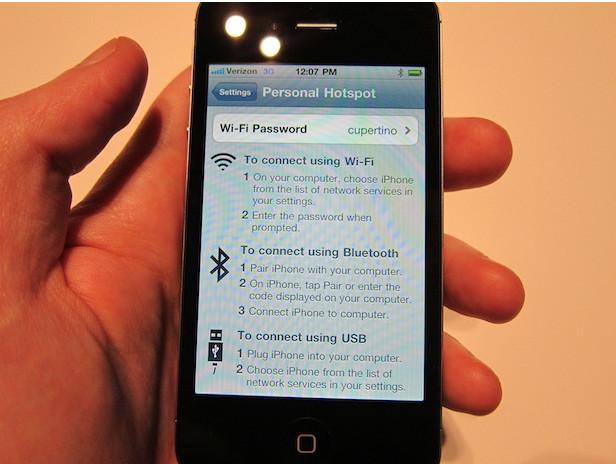 After upgrading to iOS 7.1, some people complained that they can no longer use personal hotspots.
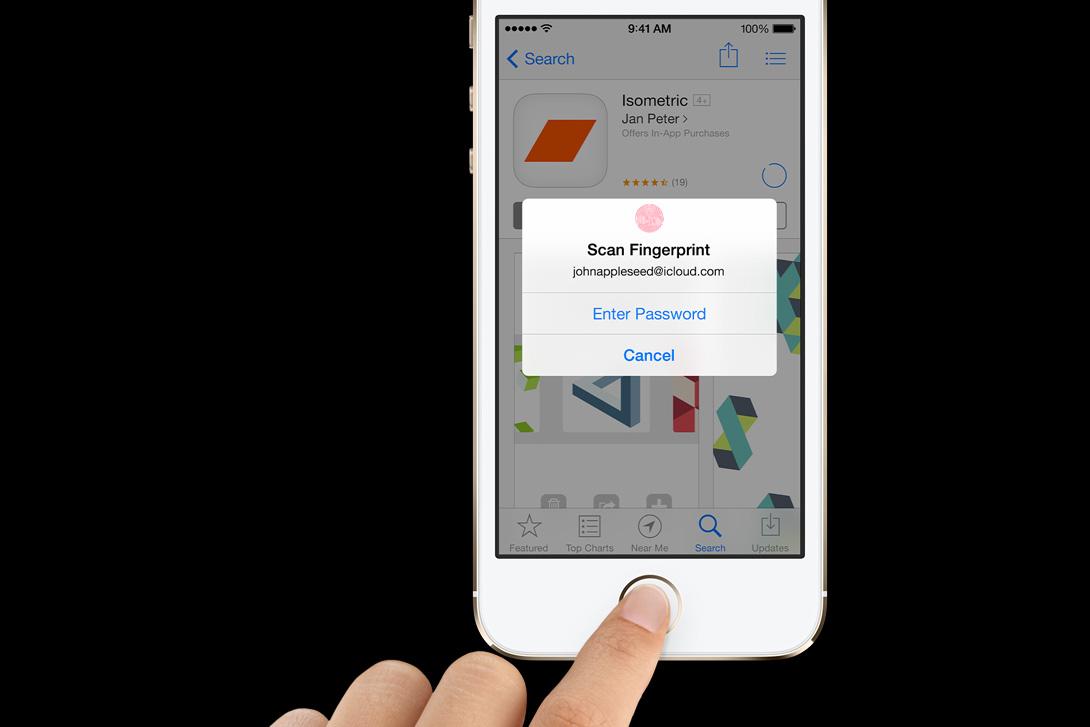 Apple was quick to address this issue with a bug fix. The problem was that the iPhone 5S would not accept the user’s fingerprint to authenticate an iTunes purchase and would insist on them entering their password.
(Editor’s Note by Jeffrey Van Camp: On our iPhone 5S unit, we do have to enter a password every 5-10 purchases. This is annoying, but appears to be intended for security purposes. Hopefully Apple will lax up on passwords more in the future.)
The iPhone 5S’ iBeacon is a location feature that alerts apps when you approach or leave a location. The problem with it is it continues working even after you’ve closed an iBeacon-enabled app, which may be annoying if you don’t like being tracked.
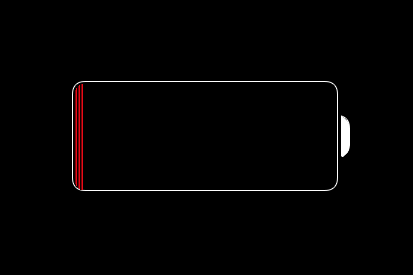 A few people have reported their iPhone 5S overheating. This is usually related to the battery and goes hand-in-hand with rapid battery drain. In rare cases it could be caused by a hardware fault, but it’s more likely to be iOS 7 and/or a specific app. There are a couple of things worth trying to identify and fix the issue.
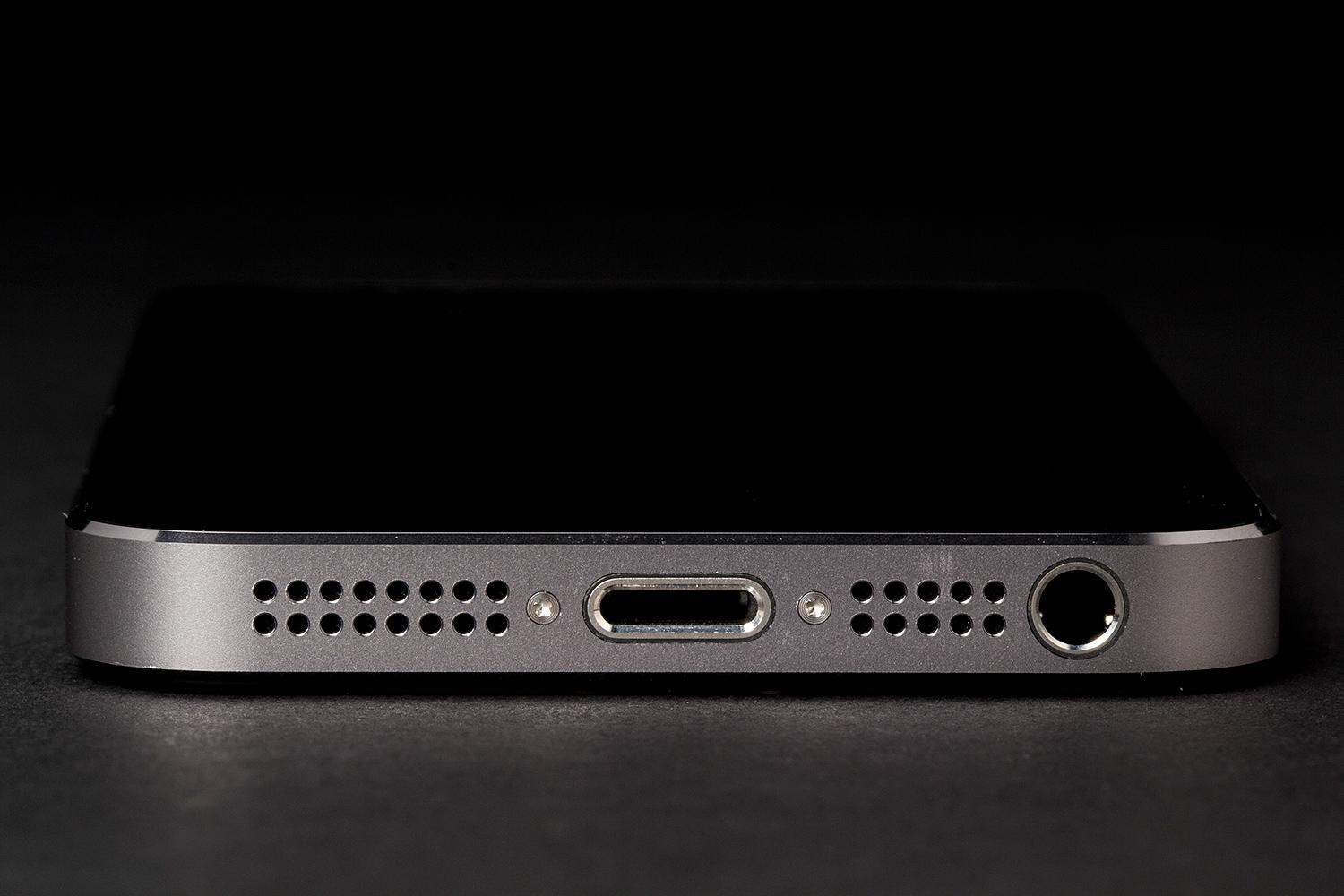 A lot of people have run into issues with the microphone not picking up their voice clearly. They can’t record voice notes in a specific app, or they can’t be heard during calls. There are a couple of possible causes for this.
That’s it for iPhone 5S problems and fixes right now, but we will update this article with new issues and solutions as they arise. Please share your own experiences in the comments. If you didn’t find your issue here then remember to check our iOS 7 problems roundup before you go.
Article originally published 10-12-2013
Are you tired of paying for streaming services you never watch just to get a phone plan feature you actually want? T-Mobile has good news for you! The carrier is rolling out new plans, called T-Mix, in early November to replace its old Experience lineup with a build-your-own perks system called Picks.
The benefits you choose vary from streaming and gaming to food delivery, AI, satellite service, and phone discounts. But if you are satisfied with your existing plan, you can keep it.
Merely days after the iPhone Duo hit the shelves, images of broken screens on the phone started popping up across social media. Until now, it’s been unclear what’s causing the line of defective pixels that appears vertically along the crease, as well as horizontally, on the phone’s inner display.
Apple has finally acknowledged the issue, which has shown up on iPhone Duo units owned by customers as well as demo units in stores. In a statement shared with Bloomberg, Apple says that not all iPhone Duo units are affected and that those that are tend to show the display fault early on. The company added that users who experience problems with their iPhone Duo display should contact AppleCare for a replacement.
Not long ago, Apple treated independent repair like an act of outright hostility. The Cupertino giant locked down parts with serial-number pairing, while repair tools remained firmly out of reach of anyone outside its authorized repair network. More importantly, the company waged a legal and lobbying battle against right-to-repair legislation.
I've covered enough of these fights over the years to know what a shift looks like. That's why what happened in October 2026 genuinely caught me off guard. The day the iPhone Duo went on sale, what may be the most mechanically complex iPhone to date, Apple pulled off a surprising about-face. It published teardown-style repair manuals for a handful of major components.